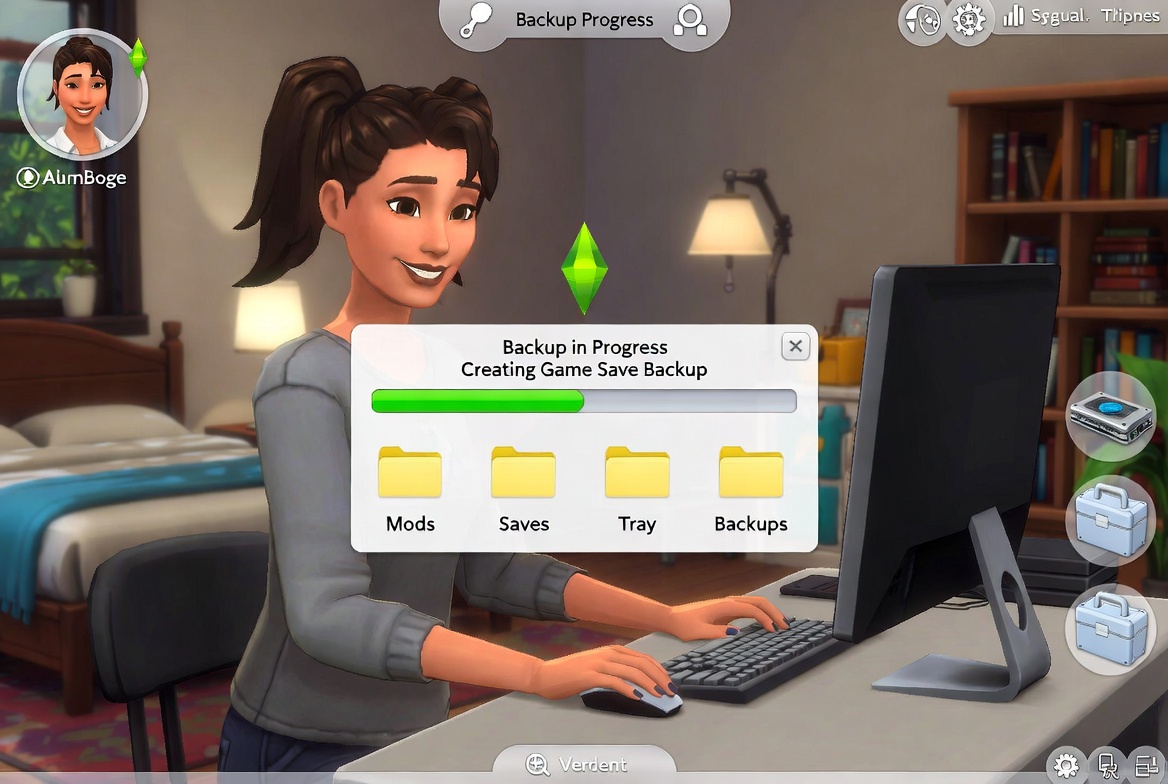
Recent events in the modding community have highlighted a critical vulnerability: the software we use to manage our games can sometimes be a gateway for malicious code. When using third-party tools like Mod Managers, your primary defense isn't just an antivirus, but a proactive security and backup strategy.
Here is a quick guide on how to protect your game data and your hardware from current and future risks.
The Essential Backup: The Sims 4 User Folder
(Saves / Mods / CC / Gallery / Screenshots / Videos)
Before installing any new tool or updating mods, you must create a 💾 manual backup 💾 of user data (Saves / Mods / CC / Gallery / Screenshots / Videos).
Where are they stored?
Documents\Electronic Arts\The Sims 4
What to do?
Copy your entire "The Sims 4" folder to an external drive, a secondary hard drive, or a secure cloud service. Important: Do not rely on OneDrive’s auto-sync; if your files are corrupted, OneDrive will instantly sync those errors, making recovery a nightmare. Ensure you create a physical copy in a separate location. If you must keep it on the same drive, place the copy anywhere outside the Electronic Arts\The Sims 4 path to avoid breaking your game directory.
Checking the Source
A virus often masquerades as a "helpful" utility. Before downloading a Mod Manager or any executable file (.exe), verify its origin.
- Official Hubs: Use reputable sites like Patreon, CurseForge, ModTheSims, or the creator’s official GitHub repository and community feedback (quality and quantity).
- Avoid "Direct Downloads" from Unknowns: If a link comes from a random social media post or a faceless youtube channel that's not around for a few years or a Discord server without enough reputation, do not run it. It's better to just manage your mods and custom content manually.
Data Loss and Viruses
It is important to understand the difference between a "game break" and a "system breach."
| Risk Factor | Recovery Difficulty | Solution |
|---|---|---|
| Lost Mods/CC | Low (if you have a Backup) | Copy the removed files back, from your 💾 backup 💾, gradually, if you can't find updated versions. |
| Corrupted Saves | Low (if you have a Backup) | Roll back to a previous 💾 backup 💾. |
| Malware/Virus | High to Extreme | May require a full OS reinstall and changing all passwords (including banks and social media) |
If the mods are lost due to a bad update or a software glitch, it is possible to be back up and running in minutes by dragging and dropping the backup. However, if a tool infects a PC with a virus, a backup of the Sims folder will not save the operating system or personal information.
Summary Checklist
- Backup First: Copy
Documents\Electronic Arts\The Sims 4before trying new software. - Scan Everything: Run downloads from sources you're not used to through an updated antivirus.
- Stay Informed: Follow reliable community news to stay updated on which tools are currently flagged as "unsafe."
Yes, I used AI to generate the post's image 😁
I thought it turned out cute and obviously generated, so it's not misleading yet illustrative.Thanks for being here! I wish you a lovely Spring / Fall season, depending on which side of the planet you're right now!
🌸 🎀 🧺 🍷 🥪 🐈 🌷 🏠 🍰 🕊️ ✨ 🌸