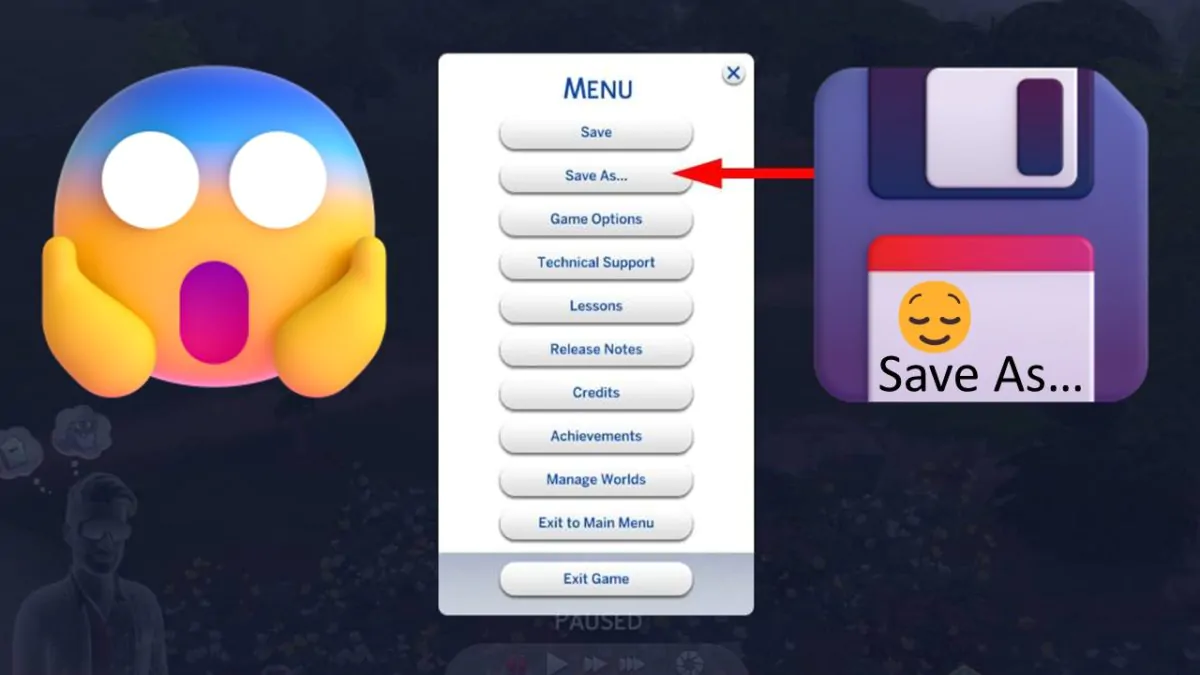
Prevent or minimize the chances of losing an important saved game by always using "Save As..." (or, at least, from time to time). This habit isn't only useful for Sims 4 but any game from the series or, even, any game or even office application!
Category: Essentials
The Sims 4 How to Remove Mods, CC and Saves to Troubleshoot a Broken Game
Sometimes, especially after a major update, The Sims 4 refuses to start, freezes randomly or doesn't let you do basic things like place objects or change your Sim's appearance. Find below what to do to be able to play again!
The Sims 4 - Quickly Enable Mods and CC [Custom Content]
Install and activate Sims 4 CC and Mods by following the instructions below. These instructions also apply after each Sims 4 Patch or Update!


![The Sims 4 - Quickly Enable Mods and CC [Custom Content] - The Sim Architect The Sims 4 Enable Mods and CC](https://thesimarchitect.com/wp-content/uploads/2020/03/Sims4EnableModsCC.jpg)